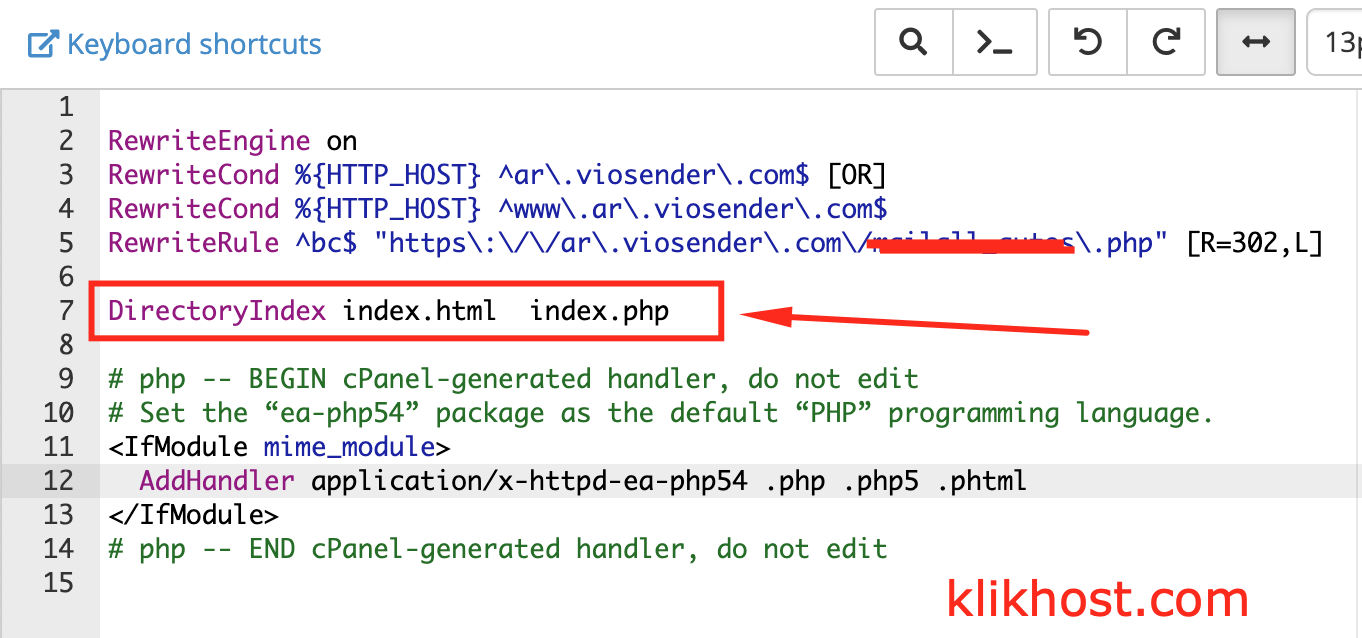
Merubah Urutan Index Pada cPanel Menggunakan .htaccess

Merubah Urutan Index Pada cPanel Menggunakan .htaccess
19/09/2019

Waktu Baca : < 1 menitSecara default urutan index file server umumnya adalah sebagai berikut : index.html index.php index.htm. Namun Anda bisa menentukan index file sendiri pada setiap folder sesuai dengan keinginan Anda. Cara mengubah index file bisa dilakukan dengan mengedit file .htaccess di folder public_html. Berikut langkah-langkahnya : 1. Masuk ke cPanel anda, lalu pilih menu file manager. Lalu […]
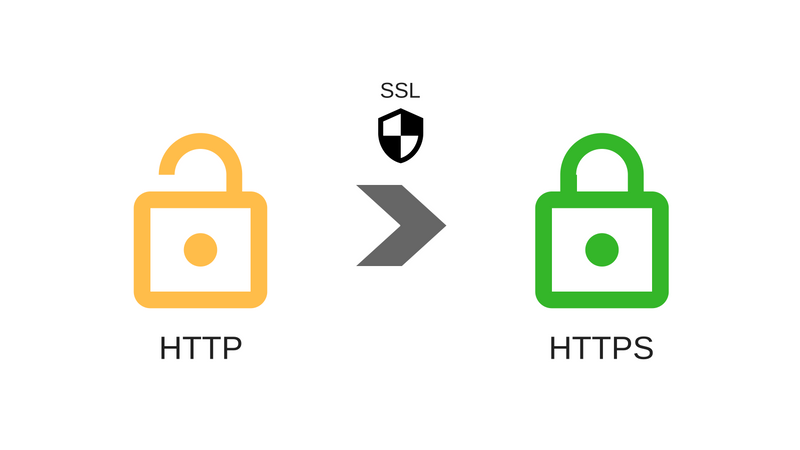
Cara Mengarahkan Akses HTTP ke HTTPS melalui .htaccess
05/12/2018

Waktu Baca : < 1 menitKetika Anda sudah membuat website dengan HTML biasa, lalu Anda sudah menginstal SSL, maka tidak secara otomatis website Anda akan bisa https ketika diakses. Anda harus melakukan setting di .htaccess. Berikut kodenya : RewriteEngine On RewriteCond %{SERVER_PORT} 80 RewriteRule ^(.*)$ https://www.namadomain.tld/$1 [R,L]   Selamat mencoba!

Cara Mengatasi “404 Error” atau “Not Acceptable” setelah edit post/page
09/08/2015

Waktu Baca : < 1 menitSetelah Anda mengedit post atau page, tiba-tiba muncul error 404 ? Atau ketika Anda menggunakan plugin “Image Suite”, Anda edit gambar, lalu setelah disimpan malah muncul pesan “Not Acceptable” ? Hal ini akibat mod security pada webserver Anda. Silahkan coba tambahkan kode berikut pada file .htaccess di folder public_html Anda. # BEGIN 404 Fix <IfModule […]

Purba Kuncara

Menjadi CTO klikhost sejak 2010

KlikHost
Privacy Overview

This website uses cookies so that we can provide you with the best user experience possible. Cookie information is stored in your browser and performs functions such as recognising you when you return to our website and helping our team to understand which sections of the website you find most interesting and useful.